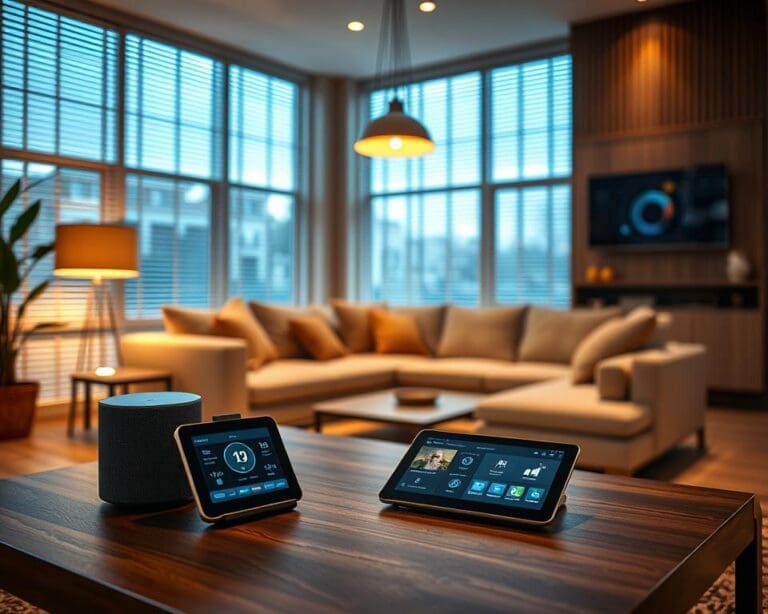
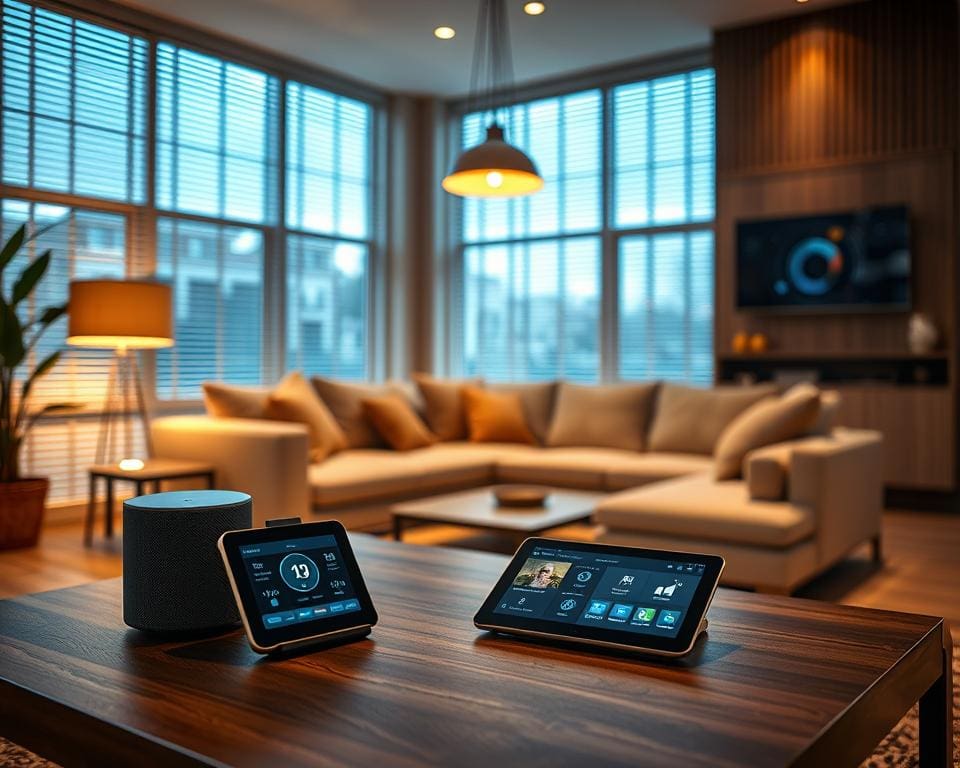
Smart home design is changing how we plan and decorate homes across the United Kingdom. At its heart lies a simple question: how does smart home integration affect design choices? This opening section sets out the scope. It looks at lighting controls, HVAC automation, security systems, voice assistants such as Amazon Alexa and Google Assistant, smart thermostats like Nest and Honeywell Home, and connected appliances.
Four design drivers shape decisions: functional efficiency, user experience, invisible technology and adaptability. These drivers direct spatial planning, material selection, lighting schemes and accessibility. The home automation impact is felt from the initial sketch to final finishes.
The article will explore the interplay between technology and smart home aesthetics, the infrastructure needed for connected living, and the materials and finishes that work with sensors and touch controls. It will also address user experience, accessibility and future-proofing for integrated home systems UK.
Market context matters. Rising consumer adoption of smart devices and government emphasis on energy efficiency influence choices. Building regulations increasingly consider low-carbon and accessible design, while standards such as Matter, Zigbee and Z-Wave shape interoperability and long-term planning.
Those affected include homeowners, interior designers, architects, mechanical and electrical contractors, and smart-home integrators. Collaboration among these professionals is essential to deliver cohesive, tech-ready interiors that balance form and function.
How does smart home integration affect design choices?
Smart systems reshape how designers think about space, light and user flow. Early planning that treats connectivity as a core part of the brief avoids ugly retrofits. Integration and design interplay becomes a guiding principle, linking platforms such as Apple HomeKit, Amazon Alexa and Google Home with standards like Matter, Zigbee and Thread.
Designers must balance technical needs with sightlines and reach. Placement of routers, wired Ethernet, hubs and gateways affects where devices can sit without breaking a room’s language. UX choices — apps, voice, keypads and physical switches — determine what stays visible and what moves behind the surface.
Overview of integration and design interplay
Interoperability drives possibilities. When devices talk reliably across ecosystems, lighting, heating and security can form cohesive scenes rather than isolated functions. That cohesion strengthens the sense of technology-driven interiors, where systems anticipate routines and reduce friction.
Practical planning includes mapping control points and access for maintenance. Early inclusion of smart requirements protects aesthetic decisions, preventing cables, conduit and bulky hubs from dictating finishes or furniture placement.
Balancing technology and aesthetic harmony
Invisible tech integration makes rooms feel natural while keeping capabilities close at hand. Designers use recessed sensors, flush-mounted controls and in-wall hubs to preserve clean lines. Brands such as Lutron and Buster + Punch offer tactile devices that read as design elements rather than appliances.
Material and colour choices help conceal or celebrate devices. A consistent palette lets a Nest Doorbell or Sonos Architectural speaker blend into a facade. At the same time, accessible placement remains essential for users with reduced mobility, so hiding tech must never compromise usability.
Examples of design shifts prompted by smart systems
Lighting has moved from single overhead fittings to layered, scene-based schemes. Dimmable LEDs, tunable white arrays and circadian lighting are controlled by software rather than just switches. Recessed luminaires paired with discrete sensors create ambience without visible clutter.
Security and entry systems change thresholds. Smart locks, video doorbells and integrated intercoms influence the choice of front-door hardware, porch illumination and camera sightlines. These items shape the first impression of the home.
Entertainment now favours built-in multiroom audio and concealed AV cabinetry. This shift alters furniture placement and surface treatments. Acoustic planning for speakers and microphone arrays becomes part of finish selection.
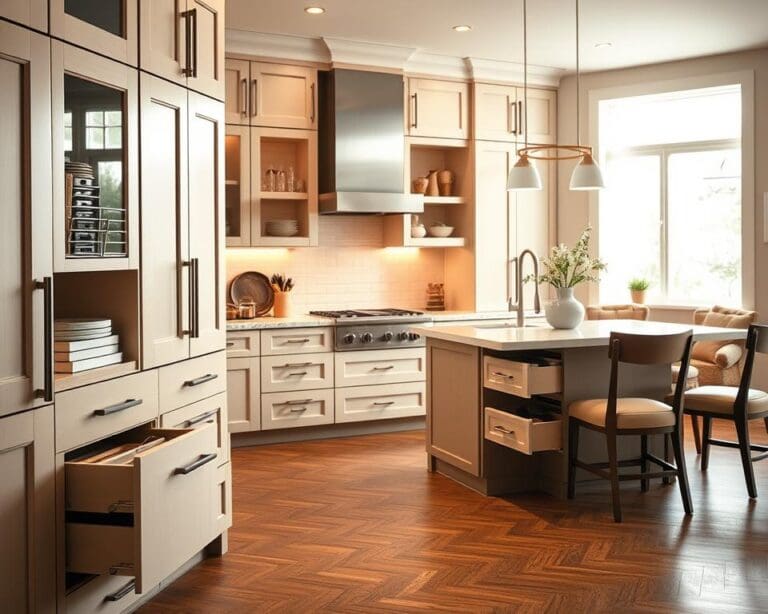
Kitchens and utility rooms adapt to connected appliances. Smart ovens and fridges affect cabinet ventilation and service access. Designers plan for charging bays and extractor layouts so the kitchen stays elegant while supporting modern function.
Spatial planning and functional layout influenced by smart systems
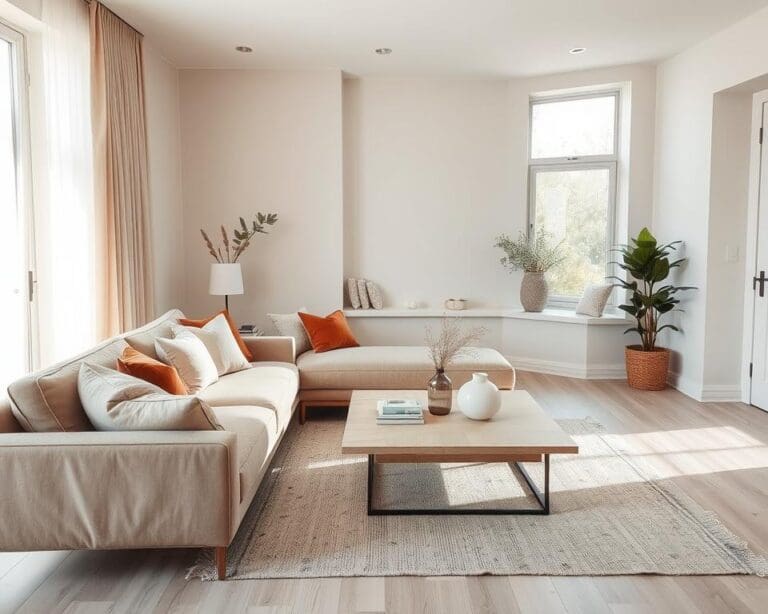
Smart technology reshapes how we plan space. Thoughtful spatial planning smart homes encourage open, flexible areas that can be zoned without rigid walls. Designers in the UK are leaning into connected living layouts so a single open-plan room can host distinct scenes for cooking, working and relaxing.
Placement of sensors, motion detectors and temperature probes affects furniture and artwork positions. Devices from Nest and Hive show that a well-located sensor gives accurate climate control and avoids false triggers. Antenna and wireless coverage must be anticipated to prevent dead zones created by large metal structures or RF-blocking materials.
Reconfiguring room layouts for connected living
Open-plan spaces gain comfort through zoned control rather than separate rooms. Smart thermostats and sensor networks let architects design larger living areas while maintaining individual temperature and lighting scenes. This approach frees architects to prioritise flow and sightlines over compartmentalised rooms.
Sensor siting guides the arrangement of sofas, desks and art. Motion detectors work best in clear lines of sight. Temperature probes perform better away from draughts and direct sun. Early coordination between interior designers and integrators avoids awkward relocations later.
Multi-use spaces enabled by automation
Automation turns one room into many. Motorised blinds, programmable lighting scenes and automated heating let a lounge switch to a home office or a cinema in minutes. Retractable screens and motorised partitions make hybrid functions feel natural and elegant.
Time- and presence-based automation reduces clutter and demand for extra rooms. Examples include sensor-activated under-cabinet lights, automated storage lighting and scheduled appliance use. These tactics support multi-use spaces automation by smoothing daily routines and cutting wasted space.
Wiring, hubs and concealed infrastructure considerations
Plan low-voltage and power cabling during build or renovation. CAT6 or CAT7 runs, PoE for cameras and dedicated Wi‑Fi access points improve reliability for bandwidth-heavy systems. A hybrid approach—wired backhaul with wireless endpoints—balances convenience and performance.
Hubs, servers and distribution panels work best in ventilated cupboards or service rooms that keep smart home infrastructure UK out of sight. Accessible wiring routes and clear labelling make maintenance straightforward. Follow BS 7671 and building control rules for safe, compliant installation.
- Place speaker wiring and power outlets inside cabinetry for neat integration.
- Use routed conduits and patch panels to simplify future upgrades.
- Ensure concealed wiring for smart tech has fire-safe enclosures and ventilation.
Trades must consider fire safety and ventilation for concealed equipment. Qualified electricians and accredited integrators should carry out installations to meet regulation and to protect both property and people.
Material choices and finishes that complement smart technology
Choosing the right materials brings smart systems and design together. Good choices help sensors work, make lighting sing and keep surfaces looking fresh over time. This short guide explains practical options and trade-offs for materials for smart homes.
Motion and proximity sensors behave differently depending on finish. Reflective glass and high-gloss lacquer can scatter infrared and optical signals, while metal backplates can alter radio frequency paths. Matte, low-reflectivity finishes tend to deliver more reliable detection and avoid false triggers.
Capacitive touch panels require care in mounting and choice of backplates. Some switches work best with direct contact or conductive fixings. Plan for flush-mounted panels, in-wall touchscreens and recessed housings to keep clean lines and retain sensor performance.
Lighting finishes and colour temperature coordination
Lighting fixtures and diffusers shape mood and function. Opal glass and polycarbonate diffusers spread LED light evenly and reduce glare for scenes that mix tunable white and colour. Choose fixtures that support tunable white and RGB drivers to enable flexible scenes.
Match colour temperature coordination to room finishes and activity. A tunable range from 2700K to 6500K covers warm living spaces to cool task areas. Specify high CRI (>90) where colour fidelity matters, for kitchens, galleries and detailed workspaces.
Fixture finishes, such as brushed metal, matte black or satin brass, should align with the interior palette. Consider remote smart drivers in ceiling voids or cupboards to simplify fixture silhouettes and ease servicing.
Durability and maintenance of tech-friendly materials
High-touch zones need easy-clean surfaces and durable coatings. Antimicrobial finishes suit kitchens and bathrooms, while scratch-resistant laminates help with frequent-use panels. Plan for replaceable faceplates to keep wear limited to small parts.
Account for ageing around devices. Heat from equipment, UV exposure at external cameras and repeated handling wear can shorten service life. Choose robust finishes and modular components to enable upgrades without full refits.
Adopt lifecycle thinking when selecting materials for smart homes. Removable bezels, standardised mounting and accessible drivers reduce waste and cost. Such choices support long-term tech-friendly materials durability and align with sustainable design priorities in the UK.
User experience, accessibility and future-proofing design
Good user experience smart homes start with simplicity. Interfaces should include voice assistants, smartphone apps, wall-mounted touchscreens and tactile keypads so occupants can choose what suits them. Follow Building Regulations Part M and Inclusive Design principles to make accessibility smart design real: think large, legible physical controls, clear feedback for actions, and alternatives for people with hearing, vision or mobility impairments.
Redundancy matters. Provide multiple control methods and programmable scenes so a failed device does not leave someone stranded. Privacy and security are part of the experience: obtain clear consent for cameras and microphones, enforce strong, unique credentials, schedule regular firmware updates and keep guest access simple yet time-limited. These steps improve user trust and contribute to smart home longevity UK homeowners value.
Design for change. A future-proof smart home favours modular hardware, open standards such as Matter and common protocols to avoid vendor lock-in. Install spare conduits, extra cabling and space in service cupboards for additional hubs or media servers. Label wiring and document system topology so electricians and integrators can maintain and upgrade systems with minimal disruption.
Think long-term sustainability and serviceability. Choose devices with reliable manufacturer support, accessible repair parts and energy-monitoring tools that work with UK tariffs and demand-response schemes. An inclusive smart home design treats technology as an enabler of wellbeing, comfort and sustainability; early collaboration between architects, interior designers and integrators yields an elegant, resilient and future-ready home.